 For Client Support:


 Blog Details

Introduction
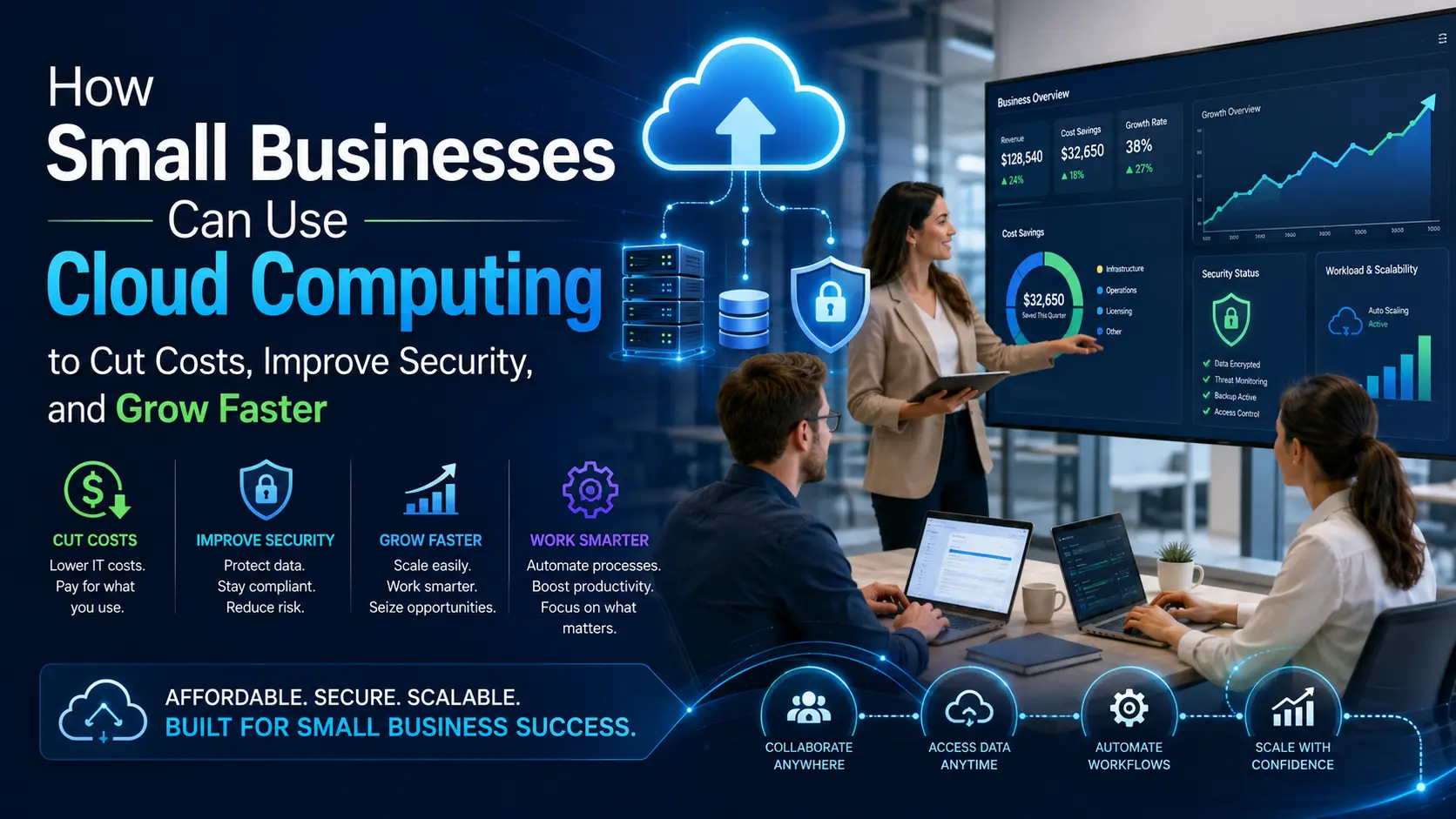
Small businesses are under more pressure than ever to move faster, protect customer data, reduce technology costs, and compete with larger companies. The problem is that many businesses still rely on outdated systems, manual processes, old servers, disconnected tools, or websites that are difficult to manage.
That is where cloud computing becomes a major advantage.
Cloud computing allows businesses to use secure servers, software, storage, databases, applications, and infrastructure over the internet instead of depending only on physical hardware inside an office. With the right cloud technology services, a small business can improve performance, reduce downtime, protect data, and scale without buying expensive equipment upfront.
For small businesses, the cloud is not just a technology upgrade. It is a growth strategy.
What Is Cloud Computing?
Cloud computing means using computing resources over the internet. Instead of storing files, running applications, or hosting websites only on a local computer or office server, businesses can use cloud platforms to access data and services from anywhere.
Common cloud services include:
- Cloud storage
- Cloud servers
- Cloud hosting
- Cloud databases
- Cloud security tools
- Cloud backup and disaster recovery
- Software as a Service applications
- Infrastructure as a Service platforms
- Platform as a Service development environments
- Managed cloud services
In simple terms, cloud computing gives businesses access to powerful technology without needing to own and maintain all the physical infrastructure themselves.
Why Cloud Computing Matters for Small Businesses
Many small businesses wait too long to modernize their technology. They only think about cloud migration after something breaks, a website crashes, a device fails, or important data becomes difficult to recover.
A better approach is to use cloud based computing services before those problems happen.
Cloud computing helps small businesses become more flexible, secure, and efficient. It allows teams to work remotely, access files from multiple devices, automate repetitive tasks, and keep systems running with better reliability.
A business using the cloud can often move faster than competitors still relying on disconnected tools and outdated systems.
1. Cloud Computing Can Lower IT Costs
One of the biggest benefits of cloud computing is cost savings.
Traditional IT infrastructure can be expensive. Businesses may need to buy servers, storage devices, networking equipment, security tools, backup systems, software licenses, and maintenance support. Over time, those costs add up.
Cloud computing changes the model. Instead of paying large upfront costs for hardware, businesses can often pay for the resources they use.
Cloud cost savings may come from:
- Reducing physical server expenses
- Lowering maintenance costs
- Avoiding unnecessary hardware upgrades
- Paying only for needed storage or compute power
- Reducing downtime
- Automating manual IT tasks
- Improving remote work efficiency
For a small business, this can make enterprise-level technology more affordable.
2. Cloud Services Improve Security
Security is one of the most important reasons to move to the cloud.
Small businesses are often targeted by cyber threats because attackers assume they have weaker defenses. A single data breach, ransomware attack, or lost device can cause serious financial and reputational damage.
Cloud security services can help protect business data with:
- Encryption
- Identity and access management
- Multi-factor authentication
- Cloud backups
- Security monitoring
- Threat detection
- Network protection
- Disaster recovery planning
- Secure cloud storage
- Compliance-focused controls
Cloud data security is especially important for businesses that handle customer information, payment data, employee records, healthcare data, financial documents, or private business files.
The goal is not just to move data to the cloud. The goal is to move it securely.
3. Cloud Migration Helps Businesses Modernize
Cloud migration is the process of moving websites, applications, files, databases, or business systems from local infrastructure to cloud infrastructure.
A cloud migration for small business may include:
- Moving a website to cloud hosting
- Migrating files from local computers to cloud storage
- Setting up secure email and collaboration tools
- Moving business applications to cloud servers
- Creating cloud backups
- Replacing outdated software with SaaS tools
- Connecting systems through cloud integrations
A good migration plan reduces downtime and keeps business operations running smoothly.
The biggest mistake businesses make is moving too quickly without a strategy. Before migration, a company should understand what systems it has, what data needs protection, what tools employees use, and what security requirements must be met.
4. Managed Cloud Services Save Time
Many small business owners do not have time to manage servers, security updates, backups, monitoring, and cloud configurations by themselves.
That is where managed cloud services help.
A managed cloud services provider can help with:
- Cloud setup
- Cloud hosting
- Server monitoring
- Website uptime
- Security updates
- Backup management
- Cloud cost optimization
- Performance improvements
- Troubleshooting
- Cloud consulting
This allows the business owner to focus on customers, sales, operations, and growth while a technology partner manages the cloud environment.
5. Cloud Infrastructure Makes Businesses More Scalable
Scalability is one of the strongest advantages of cloud computing.
With traditional infrastructure, growth can become expensive and complicated. If traffic increases, storage fills up, or applications need more power, a business may need to buy more hardware.
With cloud infrastructure solutions, resources can be adjusted as the business grows.
This is useful for:
- E-commerce websites
- Online booking systems
- Customer portals
- Mobile apps
- Business websites
- AI chatbots
- File storage
- Databases
- Marketing campaigns
- Seasonal traffic spikes
Cloud scalability helps businesses stay ready for growth without overpaying for resources they do not need yet.
6. Cloud Computing Supports Remote Work
Modern businesses need flexibility. Employees, contractors, and customers often need access to systems from different locations.
Cloud based applications make this easier.
With the right cloud setup, teams can:
- Access files securely from anywhere
- Collaborate in real time
- Use cloud-based business software
- Communicate across devices
- Manage projects online
- Support customers remotely
- Keep work moving during emergencies
This is especially valuable for small businesses with remote workers, mobile teams, consultants, sales teams, or multiple locations.
7. Cloud Backup and Disaster Recovery Protect the Business
Every business needs a backup plan.
Computers fail. Files get deleted. Websites break. Cyberattacks happen. Natural disasters can damage physical equipment. Without reliable backups, a business can lose important data permanently.
Cloud backup and disaster recovery help protect against those risks.
A strong backup strategy should include:
- Automated backups
- Secure cloud storage
- Multiple backup copies
- Recovery testing
- Website backup protection
- Database backups
- File version history
- Access controls
- A recovery plan
The question is not whether a business will eventually face a technology problem. The question is whether the business will be prepared when it happens.
8. Cloud Computing Helps With AI and Automation
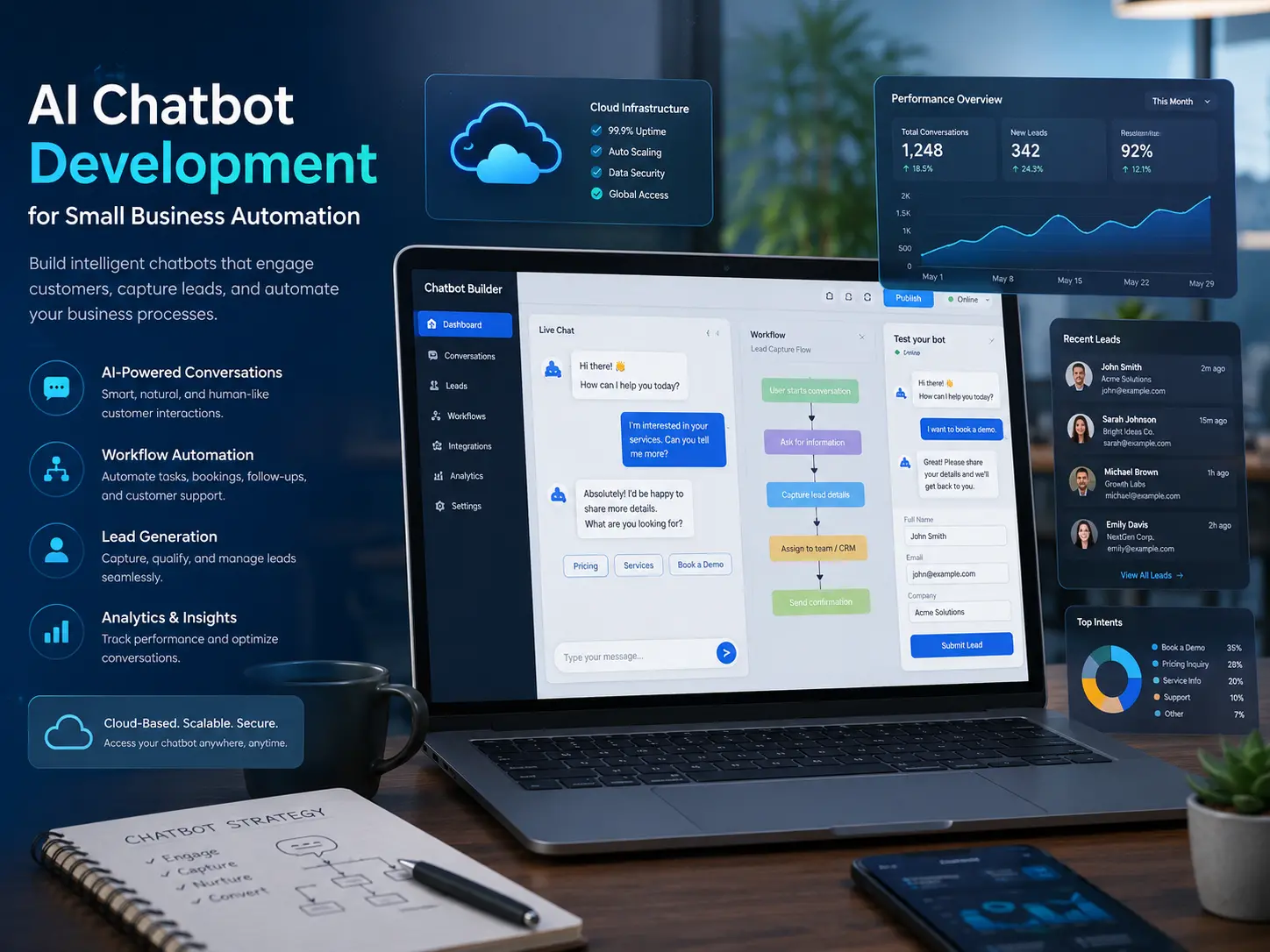
Cloud computing also makes it easier for small businesses to use AI tools and automation.
AI chatbots, customer support automation, analytics dashboards, workflow tools, and recommendation systems often depend on cloud infrastructure.
A business can use cloud technology to:
- Add an AI chatbot to a website
- Automate lead collection
- Analyze customer behavior
- Improve marketing campaigns
- Connect forms to databases
- Send automated emails
- Track website traffic
- Manage customer data
- Build custom applications
Cloud computing gives businesses the foundation needed to use modern digital tools.
Public Cloud, Private Cloud, and Hybrid Cloud
There are different cloud models, and each one serves a different purpose.
Public Cloud
Public cloud services are provided by companies like Amazon Web Services, Microsoft Azure, Google Cloud, and IBM Cloud. Businesses share the provider’s infrastructure while keeping their own data and applications separate.
Public cloud is often a good choice for websites, apps, storage, backups, and scalable business systems.
Private Cloud
A private cloud is dedicated to one organization. It can offer more control, customization, and security for businesses with specific compliance or performance needs.
Private cloud can be useful for companies that handle sensitive data or require dedicated infrastructure.
Hybrid Cloud
Hybrid cloud combines public cloud and private cloud environments. This allows businesses to keep some systems private while using public cloud services for scalability and flexibility.
Enterprise hybrid cloud solutions are common for larger companies, but small businesses can also benefit from hybrid strategies when they have special security or operational needs.
IaaS, PaaS, and SaaS Explained
Cloud computing is often divided into three main service models.
Infrastructure as a Service
Infrastructure as a Service, or IaaS, gives businesses access to cloud servers, storage, networking, and computing resources. It is useful for hosting websites, applications, databases, and custom systems.
Platform as a Service
Platform as a Service, or PaaS, gives developers a cloud-based environment to build, test, and deploy applications without managing all the underlying infrastructure.
Software as a Service
Software as a Service, or SaaS, means using software through the internet. Examples include email platforms, CRM systems, accounting tools, project management platforms, and cloud-based business applications.
For many small businesses, SaaS is the easiest first step into cloud computing.
Signs Your Business Is Ready for Cloud Services
Your business may be ready for cloud technology services if:
- Your website is slow or unreliable
- You worry about losing data
- Your team needs remote access
- You use too many disconnected tools
- Your current systems are hard to manage
- You want better cybersecurity
- You need better backups
- You are growing and need scalable systems
- You want to use AI or automation
- You want to reduce IT maintenance work
Cloud computing is not only for large corporations. Small businesses can use the same technology principles to become more competitive.
How to Start With Cloud Computing
The best way to start is with a simple cloud assessment.
A cloud assessment should review:
- Current website hosting
- Business applications
- Data storage
- Security risks
- Backup process
- Software tools
- User access
- Monthly technology costs
- Performance problems
- Growth goals
After that, the business can create a practical cloud roadmap. This may include cloud hosting, secure backups, managed cloud services, cloud migration, website optimization, or AI automation.
The goal should be to solve real business problems, not just use cloud technology because it sounds advanced.
Final Thoughts
Cloud computing gives small businesses a powerful way to reduce costs, improve security, modernize operations, and prepare for growth.
Whether a business needs cloud hosting, cloud migration, managed cloud services, cloud security, or cloud infrastructure solutions, the right strategy can make technology easier to manage and more valuable to the business.
Cloud Technology Computing helps small businesses, entrepreneurs, and growing organizations use cloud computing, AI automation, web development, mobile apps, and digital strategy to build stronger technology foundations.
If your business is ready to modernize, improve security, or move to the cloud, now is the time to start building a smarter digital infrastructure.
Call to Action
Ready to move your business to the cloud?
Contact Cloud Technology Computing to discuss cloud consulting, cloud migration, managed cloud services, website optimization, AI chatbot development, and secure cloud infrastructure for your business.
Recommended Internal Links:

0 Comments